Reporting a bug
A good report gets a faster fix, and it takes five minutes.
- Open Configure Settings → Minion! and turn on Enable Debug.
- Make the problem happen again.
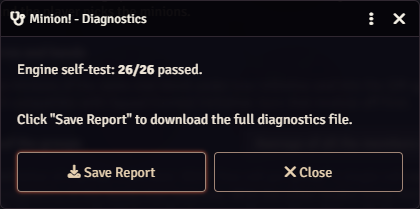
- Click Run Diagnostics. It runs a self-test of the rules engine and shows how many checks passed.
- Click Save Report. The file lists your module versions, your settings and Minion!'s recent log.
- Open an issue on GitHub. Attach the report and add a few lines: what you did, what you expected and what happened.
Two more things help: the line with the Minion! version from the browser console (F12), and whether everyone reloaded with Ctrl+F5 after the last update.
You can also write to me on Discord: therealsega87.
Turn Enable Debug off when you're done. It fills the console fast.